
DIGITAL SOLUTIONS
Interfaces
Communications and power management
Essential components for communications and power between ShapeArray™ and data loggers

Essential components for communications and power between ShapeArray™ and data loggers
From installation diagnostics to performing on-site manual readings, ShapeArray interfaces have been designed for field applications in mind. Interfaces convert communication protocols to transfer data and power to the ShapeArray so you can get the data you need.
Interfaces for ShapeArray™
Different interfaces for different use-cases

Digital Solutions
Portable Diagnostic Unit
A compact power and communication device designed to quickly test and verify ShapeArray installations prior to configuration for automated data collection.

Digital Solutions
SAA232-PC Cable
The SAA232-PC Cable connects a SAA232 or SAA232-5 interface unit output to a PC running SAARecorder software via USB input, allowing the user to collect data directly from a ShapeArray.

Digital Solutions
SAA232
Interface units control communications and power between the ShapeArray and the data logger and power supply. The SAA232 interface ensures each sensor contained within the ShapeArray gets the right amount of voltage when it needs it and when properly ground, the SAA232 minimizes the risk of power surge and lightning strikes.

Digital Solutions
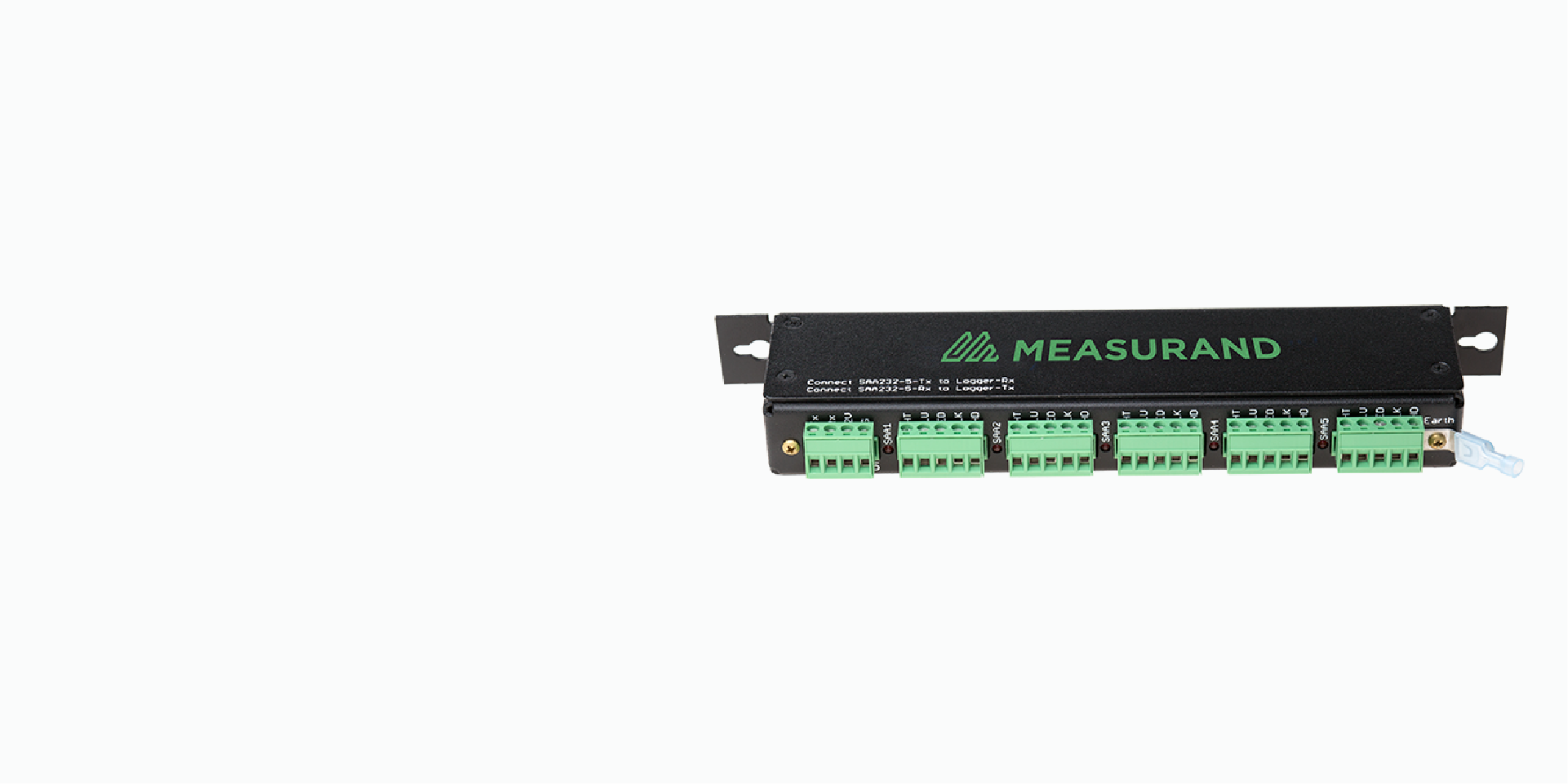
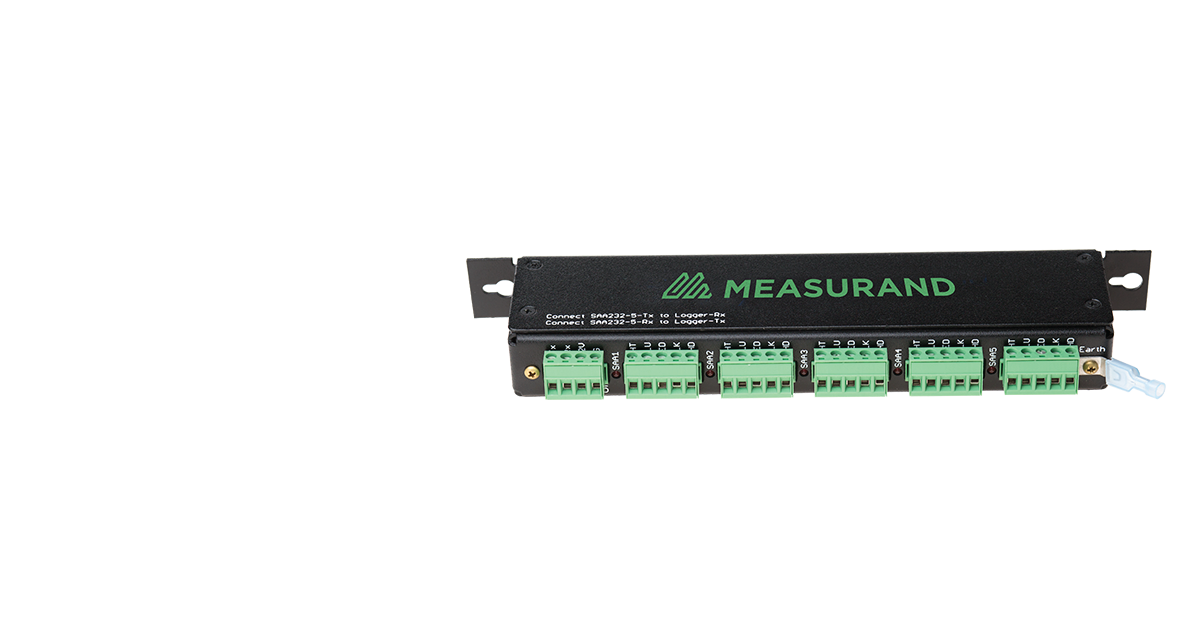
SAA232-5
The SAA232-5 interface unit delivers the same functionality as the SAA232 but increases the number of ShapeArrays that can be linked into a serial COM port from one to five. This allows a data logger to collect and store information from multiple ShapeArrays (10 ShapeArrays into CR800 or 20 ShapeArrays into one CR1000 logger).

Digital Solutions
SAAUSB
The SAAUSB adapter is an interface device that is used to connect any ShapeArray to a PC running SAASuite via USB port.

Digital Solutions
ShapeArray Field Power Unit
The ShapeArray™ Field Power Unit (FPU) is a portable battery powered device designed to connect all models of ShapeArray to a PC running the SAARecorder software application.
Contact an expert
Contact an expert
Whether you need support or simply want to learn more, reach out to our Geosolutions team. We’re here to help.